Independent guide: This Tirupati Municipality Property Tax guide on TirupatiOfficial.com provides public information only. TirupatiOfficial.com is not the Tirupati Municipal Corporation, CDMA, or any government body, and we do not collect applications, taxes, fees, assessment numbers, or personal data. Use only the official Tirupati Municipal Corporation portal for property-tax services and payments.
Tirupati Municipality Property Tax: Online Payment, Dues & Services
Tirupati Municipality Property Tax guide covering official online payment, dues checks, receipts, mutation, revision, and payment troubleshooting.
By the Tirupati Official deskUpdated 12 min read
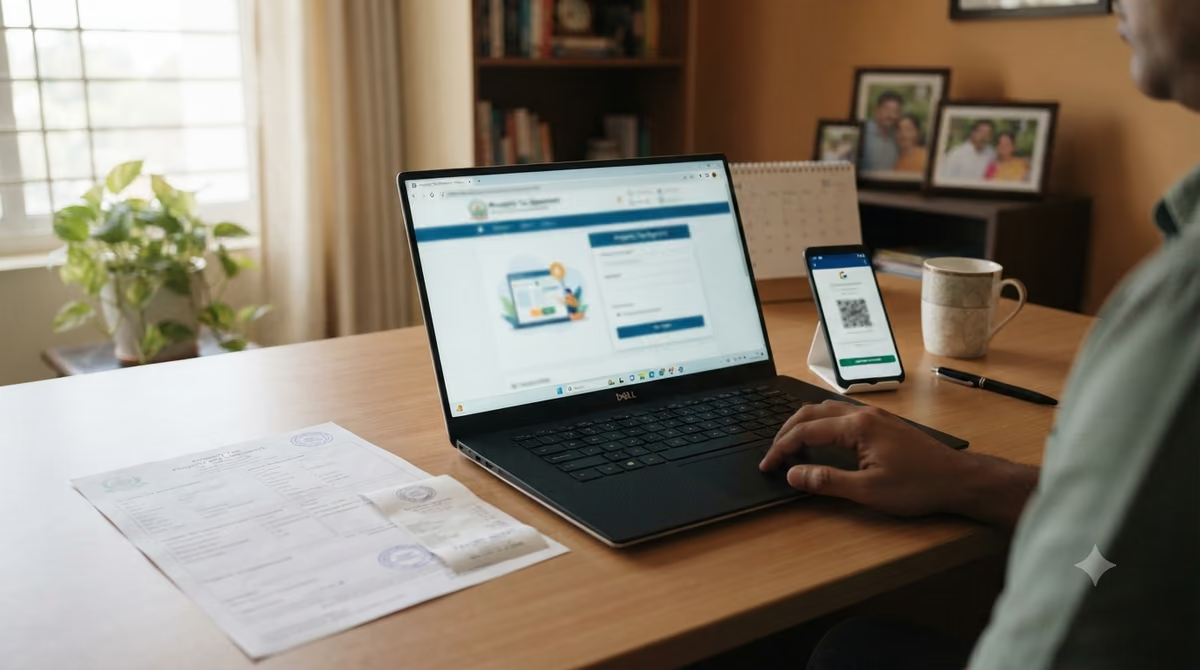
You can check and pay Tirupati Municipality Property Tax online through the Government of Andhra Pradesh municipal portal. The current Tirupati Municipal Corporation site offers a Quick Pay area plus separate services for dues, self-assessment, mutation, revision petitions, vacancy remission, proceedings, and application status. If you only need to pay an existing demand, keep your assessment number ready and use the official payment page.
Tirupati Municipality Property Tax at a Glance
- Official civic body: Tirupati Municipal Corporation (TMC).
- State platform: Commissioner & Director of Municipal Administration (CDMA), Government of Andhra Pradesh.
- Fastest payment route: use the official Tirupati Quick Pay or Online Payments page with your assessment number.
- Payment methods shown by CDMA: credit card, debit card, net banking, UPI, and digital wallets.
- Receipt: download and save the official digital receipt after successful payment.
- Other services: self-assessment, mutation, addition or alteration, demolition, tax exemption, vacancy remission, revision petitions, and application tracking.
The important change is that property tax is not just a payment page. CDMA now groups the payment tool with services for wrong records, ownership changes, and new assessments. That makes the official portal the safest place to both pay and correct the record.
How to Pay Tirupati Municipality Property Tax Online
Paying online is straightforward when your property already has an assessment number. The official Tirupati Municipal Corporation portal shows a Quick Pay box for property, water, and sewerage dues, while the dedicated payments page provides the full payment flow. The transaction is not final until the payment gateway confirms it and the portal creates a receipt.
- Open the official Tirupati municipal portal. Go to tirupati.cdma.ap.gov.in rather than a look-alike private payment page.
- Choose Property Tax. You can use Quick Pay on the Tirupati homepage or open Online Payments.
- Enter the assessment details. The current Quick Pay form asks for the assessment number before it checks the due amount.
- Review the demand carefully. Match the property and due amount with your own records before you proceed.
- Choose a payment method. CDMA lists cards, net banking, UPI, and digital wallets on its official payment page.
- Complete the transaction. Wait for the portal to display confirmation instead of closing the page immediately after bank approval.
- Download the receipt. Save a PDF or printout because it is your proof of payment if the ledger takes time to update.
The National Government Services Portal also lists property-tax payment for Tirupati Municipal Corporation as a fully online government service. That independent government listing is useful when you want to confirm that you have reached the right official channel.
What You Need Before You Start
For a routine Tirupati Municipality Property Tax payment, the most useful item is your property assessment number. The Tirupati portal currently exposes assessment-number Quick Pay directly on the home page. If you do not know the number, use a previous property-tax receipt, demand notice, or the official “Know Your Dues” service instead of entering guessed details.
| What you need | Why it matters | Best source |
|---|---|---|
| Assessment number | Identifies the tax account | Previous receipt or official record |
| Current due amount | Prevents underpayment or duplicate payment | CDMA Know Your Dues / Quick Pay |
| Payment method | Completes the online transaction | Bank, card, UPI, or wallet |
| Transaction ID | Helps trace a failed or delayed payment | Bank or payment gateway |
| Receipt | Proof of payment | CDMA payment confirmation |
Do not share your assessment number, identity documents, card details, or OTP with a private website that claims it can “process” municipal tax for you. This page does not accept payments, and it will never ask you to send those details.
How to Check Tirupati Property Tax Dues
The official Tirupati Municipal Corporation service page includes “Know Your Dues” under Property Tax. Use that service when you want to confirm the live demand before paying. The same portal also offers a property-tax calculator, although the demand shown against your official assessment remains the figure you should reconcile before payment.
CDMA also publishes a statewide Tax Rates & Tariffs page. It says the respective municipal councils fix rates and charges under Andhra Pradesh municipal law. Because the applicable demand depends on the official assessment and current council data, avoid relying on a rate table copied by an old blog or calculator.
If your due looks unexpectedly high, do not immediately pay a figure you believe is wrong. First compare the assessment, property use, and previous receipts. Then use the official revision or property-record service that fits the issue.
Services Beyond Tirupati Municipality Property Tax Payment
Tirupati Municipality Property Tax records can need attention even when no payment is due. The current CDMA service menu covers several common property events, so owners should choose the right service rather than treating every problem as a payment issue. These services are especially important after purchase, construction, demolition, or a change in use.
- Self Assessment: for a property that needs a new tax assessment through the official system.
- Addition or Alteration: for changes to an existing property that may affect the assessment.
- Demolition: for reporting a demolished structure through the tax record workflow.
- Tax Exemption: for eligible cases handled under the applicable municipal rules.
- Vacancy Remission: for claims that meet the municipal conditions for vacancy relief.
- Revision Petition: for challenging or seeking correction of an assessment through the official process.
- Mutation: for transfer of ownership in the municipal property-tax record.
- Download Proceedings: for retrieving available municipal property-tax proceedings or notices.
- Application Status: for tracking progress after you file a service request.
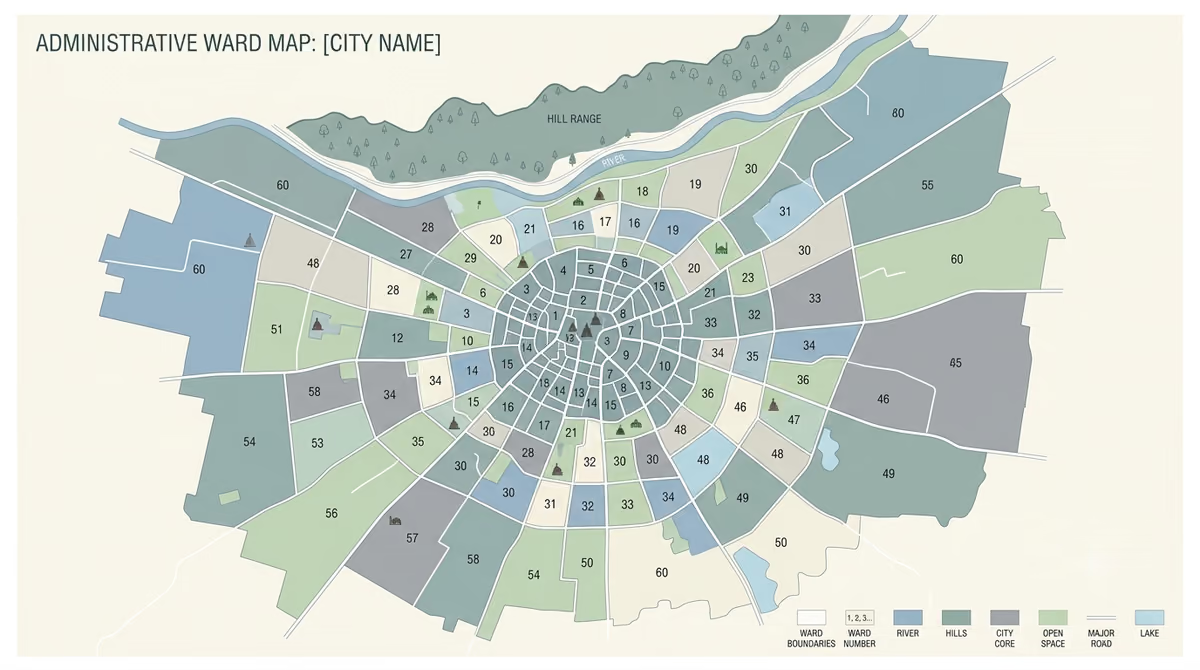
If your issue concerns the ward shown on a tax record, remember that tax administration uses revenue wards. Our Tirupati Municipal Corporation wards guide explains why a tax ward can differ from an election ward.
How Property Tax Rates Are Set in Tirupati
Tirupati Municipality Property Tax rates are not something a private guide should guess. CDMA’s official rates page says municipal councils and municipal corporation councils fix applicable taxes and charges under the Andhra Pradesh municipal framework. The page separates residential and non-residential taxation and also publishes other municipal charge categories.
That means two properties can have different demands even when they sit in the same city. Classification, the municipal assessment, property details, and any applicable revisions all matter. Therefore, the safest way to know what you actually owe is to check the live assessment rather than multiply a copied percentage by a guessed property value.
When a third-party page gives a neat “current Tirupati rate” without linking to the live CDMA tariff source, treat it cautiously. Rates, assessment methods, rebates, and enforcement rules can change, while copied tables often remain online for years.
When Should You Pay?
Pay by the due date shown in the official demand or live CDMA record. The current CDMA payment page explicitly tells citizens to pay municipal taxes in full and on time because delays can attract penalty charges or interest. However, the public Tirupati payment screen does not display one universal deadline, so private guides should not copy a date blindly.
This matters because older articles and property websites often publish fixed deadlines or rebate dates as though they apply forever. A safer rule is simple: check the current demand on the official portal before each payment cycle. If TMC or CDMA announces a rebate window or special drive, rely on that dated official notice rather than an undated blog claim.
What If the Online Payment Fails?
A failed payment does not always mean the tax remains unpaid. CDMA’s payment help page tells users to check the bank statement before retrying and to keep the transaction ID. If your bank debited the amount, avoid repeated payments until you confirm whether the first transaction settled.
- Check your bank or UPI history. Confirm whether the amount was actually debited.
- Recheck the property-tax ledger. Allow the portal time to post the transaction before assuming it failed.
- Keep the transaction ID and error screenshot. CDMA asks for these when you need technical support.
- Use the official payment helpdesk. The CDMA payments page lists paymentgateway@cdma.gov.in for gateway issues and pmu_cdma@cdma.gov.in for general payment help.
- Use an official in-person channel if needed. CDMA says citizens can also visit their ULB office or Ward Secretariat for municipal services.
If the gateway shows an error before any debit, you can normally try again later. If your bank debited the amount but no receipt appears, trace that transaction before creating a second payment.
What If the Property Record Is Wrong?
A wrong owner name, missing transfer, altered building, or disputed assessment needs a record-service request, not just another payment attempt. The official Tirupati service menu provides mutation, addition or alteration, revision petitions, and application tracking. Choose the service that matches the underlying problem.
For a recently purchased home, also keep your registration records ready because municipal mutation and property registration are separate processes. Our Tirupati home registration guide explains the registration side, while CDMA handles the municipal tax record.
If you already filed a municipal request, use “Know Your Application Status” instead of starting over. Repeated submissions can make follow-up harder because you may end up tracking multiple references for the same property issue.
Common Mistakes to Avoid
- Paying on a look-alike website: always check for the official cdma.ap.gov.in government domain before entering payment details.
- Using the wrong assessment number: verify it against a prior receipt or official property record.
- Paying before reviewing the demand: check the property and due amount before confirming the transaction.
- Retrying immediately after a debit: confirm the bank status and portal posting first.
- Ignoring ownership changes: use the mutation service after a qualifying transfer instead of leaving an outdated municipal record.
- Relying on an old rate or rebate article: verify any current rate, deadline, penalty, or rebate on CDMA or a dated TMC notice.
- Throwing away receipts: keep both the receipt and transaction reference for future reconciliation.
When a civic issue goes beyond the tax portal, use official grievance channels. Our guide to Tirupati Municipal Corporation complaints explains the current routes without sending readers to private agents.
Tirupati Municipality Property Tax: Safe Payment Checklist
Before you pay Tirupati Municipality Property Tax, use this short checklist. It reduces the two most common risks: paying the wrong assessment and paying through the wrong website. It also gives you a clean record if you need to trace the payment later.
- Confirm the website ends in cdma.ap.gov.in.
- Match the assessment number with an existing official record.
- Check the live due amount before paying.
- Review the property details shown by the portal.
- Use the payment method you can trace later.
- Save the transaction ID if the gateway gives one.
- Download the official receipt after success.
- Keep the receipt with your property records.
- Use mutation, revision, or other official services when the record itself is wrong.
Before You Pay
The safest Tirupati property-tax workflow is simple: verify the assessment, check the live demand, pay only on the official CDMA/TMC portal, and save the receipt. If the record is wrong, use the matching official service before relying on a private explanation or old rate table.
This guide is independent and cannot issue receipts, correct assessments, or accept tax payments. For current dues, payment, mutation, revision, or application status, use Tirupati Municipal Corporation’s official CDMA pages.
Frequently Asked Questions
Can I pay Tirupati Municipality Property Tax online?
Yes. You can pay Tirupati Municipality Property Tax online through the official Tirupati Municipal Corporation/CDMA payment system. The National Government Services Portal also lists the Tirupati Municipal Corporation property-tax service as fully online. Always use the government portal rather than a private payment page.
What number do I need to pay Tirupati property tax?
The current Tirupati Quick Pay form asks for an assessment number. Check an earlier official receipt, demand notice, or municipal record if you are unsure of the number. Do not guess, because a wrong assessment could point to another property record.
Which online payment methods are accepted?
CDMA currently lists credit cards, debit cards, net banking, UPI, and digital wallets on its municipal payments page. Available gateway options can still change, so use the methods shown on the official payment screen at the time you pay.
How do I check my Tirupati property-tax dues?
Use “Know Your Dues” under Property Tax on the official Tirupati CDMA service page. You can also use the Quick Pay area with your assessment number to check the due amount. Review the property details before making a payment.
How do I change the owner name after buying a property?
Use the official Property Tax “Mutation” service for transfer of ownership in the municipal tax record. Property registration and municipal mutation involve separate processes. Follow the document requirements shown by CDMA for the live application.
What should I do if the payment failed but money was debited?
First check your bank statement and keep the transaction ID. CDMA specifically advises users to check the bank status before retrying. If the payment does not post, use the official payment helpdesk and include the transaction reference plus an error screenshot.
Can I challenge an incorrect property-tax assessment?
Yes, CDMA provides a “Revision Petition” service under Property Tax. Use the official service when you need to challenge or seek correction of an assessment. Follow the current eligibility, document, and timeline requirements shown by the portal.
Where can I calculate Tirupati property tax?
The Tirupati CDMA service page currently includes a Property Tax Calculator. Use it as an official estimate tool, but compare the result with the actual demand linked to your assessment. The live municipal demand is the record you should reconcile before payment.